
The state of the toolkit
Software tools change fast. If you're still relying on the same setup from 2021, you're likely fighting friction that newer platforms have already solved. Moving into 2026, the focus has shifted from just writing code to managing the infrastructure and AI integrations that surround it.
Cloud-native is no longer a specialty; it is the baseline. We are building for distributed systems by default, which means our local environments have to mirror complex microservices and serverless setups without killing our machine's performance.
The rise of AI-assisted coding and low-code/no-code platforms is also reshaping the developer experience. These tools aren’t meant to replace developers, but to augment their abilities. They can automate repetitive tasks, accelerate prototyping, and help developers focus on solving more complex problems. Adaptability and a commitment to continuous learning are now non-negotiable for any software professional.
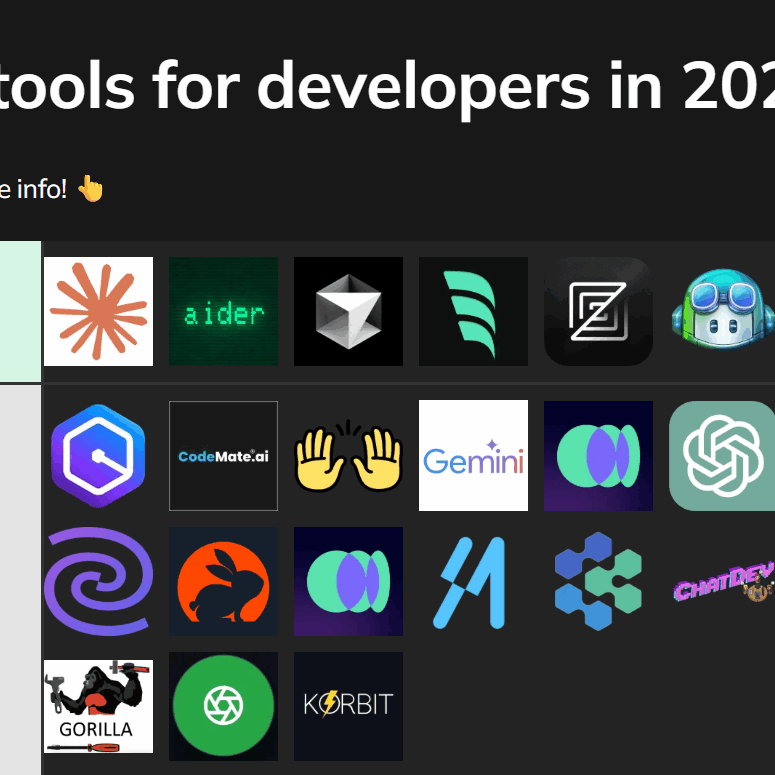
IDEs and editors
Choosing the right Integrated Development Environment (IDE) or code editor is a deeply personal decision, but some options consistently rise to the top. Visual Studio Code (VS Code) has become incredibly popular due to its lightweight nature, extensive extension marketplace, and strong community support. It’s a solid choice for web development, Python, and many other languages.
IntelliJ IDEA, particularly the Ultimate edition, is a powerhouse for Java development. Its intelligent code completion, powerful debugging tools, and deep integration with frameworks like Spring make it a favorite among enterprise Java developers. However, it’s resource-intensive and can be overkill for smaller projects. The community edition is free, but lacks some of the advanced features.
For those who prefer a minimalist approach, Vim and its modern fork, Neovim, offer unparalleled customization and efficiency. The learning curve is steep, but mastering these editors can significantly boost your coding speed. They’re often favored by system administrators and developers who spend a lot of time in the terminal.
Here's a quick comparison to help guide your decision:
- Visual Studio Code is the most versatile choice for web development and scripting because of its massive extension library.
- IntelliJ IDEA: Best for Java and JVM-based languages. Offers advanced features for large-scale projects.
- Vim/Neovim: Best for experienced developers who prioritize customization and efficiency. Requires significant investment in learning.
Essential Software Development Tools Comparison - 2026
| Tool | Language Support | Debugging Capabilities | Extensibility | Performance |
|---|---|---|---|---|
| VS Code | Excellent | Excellent | Excellent | Good |
| IntelliJ IDEA | Excellent | Excellent | Good | Excellent |
| Vim/Neovim | Good | Fair | Excellent | Excellent |
| Eclipse | Good | Good | Good | Good |
| Sublime Text | Good | Fair | Good | Excellent |
| Atom | Good | Fair | Good | Fair |
Illustrative comparison based on the article research brief. Verify current pricing, limits, and product details in the official docs before relying on it.
Version control
Git has become the de facto standard for version control, and for good reason. Its distributed nature, branching capabilities, and strong community support make it an excellent choice for projects of any size. However, the surrounding ecosystem offers tools that enhance the Git experience and provide additional features.
GitHub, GitLab, and Bitbucket are all popular Git hosting platforms. They offer more than just remote repositories; they provide project management tools, CI/CD integration, code review workflows, and collaboration features. GitLab, in particular, is known for its integrated CI/CD pipeline. GitHub’s Actions provide similar functionality.
Tools like GitKraken and Sourcetree provide a graphical user interface for Git, making it easier to visualize branches, commit history, and perform common Git operations. These can be particularly helpful for developers who are new to Git or who prefer a visual approach. While Git on the command line remains powerful, these tools lower the barrier to entry.
- GitHub: Widely used, strong community, excellent integration with other tools.
- GitLab: Integrated CI/CD pipeline, DevOps platform.
- Bitbucket: Tight integration with Atlassian products (Jira, Confluence).
- GitKraken/Sourcetree: GUI clients for Git, simplifying complex operations.
Debugging and profiling
Debugging is an unavoidable part of software development. IDEs typically include built-in debuggers that allow you to step through code, inspect variables, and set breakpoints. Mastering your IDE’s debugger is crucial for efficient troubleshooting. However, sometimes you need more specialized tools.
If you write C or C++, Valgrind is the standard for catching memory leaks. It finds the subtle errors that a standard debugger misses. You can't build reliable systems without a clear view of how your app handles memory.
Profiling tools help you identify performance bottlenecks in your code. Languages like Python and Java have dedicated profiling tools that can pinpoint slow-running functions and areas for optimization. Remote debugging allows you to debug applications running on remote servers or devices, which is essential for distributed systems.
- Valgrind (C/C++): Detects memory leaks and memory errors.
- Python Profilers: Identifies performance bottlenecks in Python code.
- Java Profilers: Helps optimize Java application performance.
- Remote Debugging: Debug applications running on remote servers.
Interactive Debugging with Python's Built-in Debugger
Effective debugging remains one of the most critical skills for developers in 2026. Python's built-in pdb module provides powerful interactive debugging capabilities that allow you to pause execution, inspect variables, and step through code line by line.
import pdb

def calculate_average(numbers):
    """Calculate the average of a list of numbers."""
    pdb.set_trace()  # Set breakpoint here

    total = 0
    count = len(numbers)

    for num in numbers:
        total += num
        # Inspect variables: p total, p num, p count

    if count == 0:
        return 0

    average = total / count
    return average

# Example usage
if __name__ == "__main__":
    data = [10, 20, 30, 40, 50]
    result = calculate_average(data)
    print(f"Average: {result}")
When you run this code, execution will pause at the pdb.set_trace() line, dropping you into an interactive debugging session. Use commands like 'n' (next line), 's' (step into), 'p variable_name' (print variable), 'l' (list current code), and 'c' (continue) to navigate through your code. This technique helps identify logic errors, unexpected variable values, and control flow issues that static analysis tools might miss.
API Platforms & Testing Tools
APIs are the backbone of modern software applications. Tools like Postman and Insomnia are essential for testing APIs, sending requests, and inspecting responses. They allow you to verify that your APIs are functioning correctly and that they meet your specifications.
Swagger (now known as the OpenAPI Specification) is a standard for designing, building, and documenting APIs. It allows you to define your API's endpoints, request and response formats, and authentication mechanisms. Tools like Swagger UI can generate interactive API documentation from your OpenAPI specification.
Automated testing is critical for ensuring the quality and reliability of your APIs. Tools like Jest (JavaScript), JUnit (Java), and pytest (Python) allow you to write automated tests that verify the behavior of your APIs. API mocking tools, such as Mockoon or WireMock, let you simulate API responses, which is useful for testing client applications without relying on a live API.
- Postman/Insomnia: API testing and inspection.
- Swagger/OpenAPI: API design and documentation.
- Jest/JUnit/pytest: Automated API testing.
- Mockoon/WireMock: API mocking.
Featured Products

API creation and design · Automated API testing · Debugging and troubleshooting
Postman is indispensable for efficiently building, testing, and managing APIs, a core component of modern software architecture.

Comprehensive coverage of API design patterns · Strategies for building robust and scalable APIs · Guidance on API versioning and evolution
Understanding API design patterns is crucial for architecting high-quality, future-proof APIs.

Practical recipes for RESTful web services · Techniques for improving scalability · Methods for simplifying web service design
This resource provides actionable solutions for building performant and maintainable RESTful services.

27-inch QHD (2560x1440) resolution · 144Hz refresh rate and 1ms response time · USB-C connectivity with power delivery
A high-resolution, high-refresh-rate monitor with versatile connectivity significantly enhances developer productivity and visual comfort.

8000 DPI high-precision sensor · MagSpeed Electromagnetic scrolling · Ergonomic design for comfort
This advanced ergonomic mouse provides superior comfort and control, essential for long coding sessions.
As an Amazon Associate I earn from qualifying purchases. Prices may vary.
AI and automation
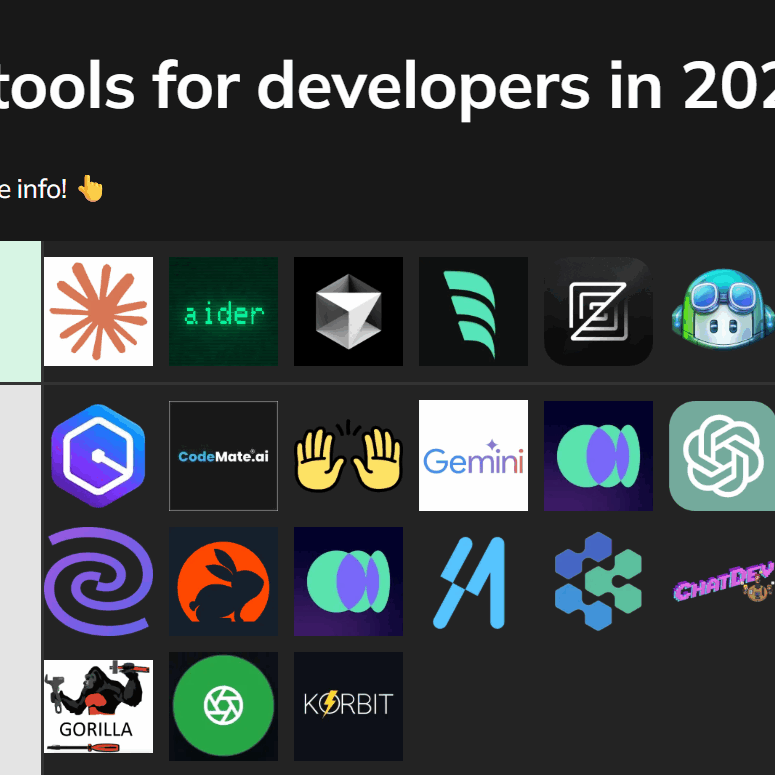
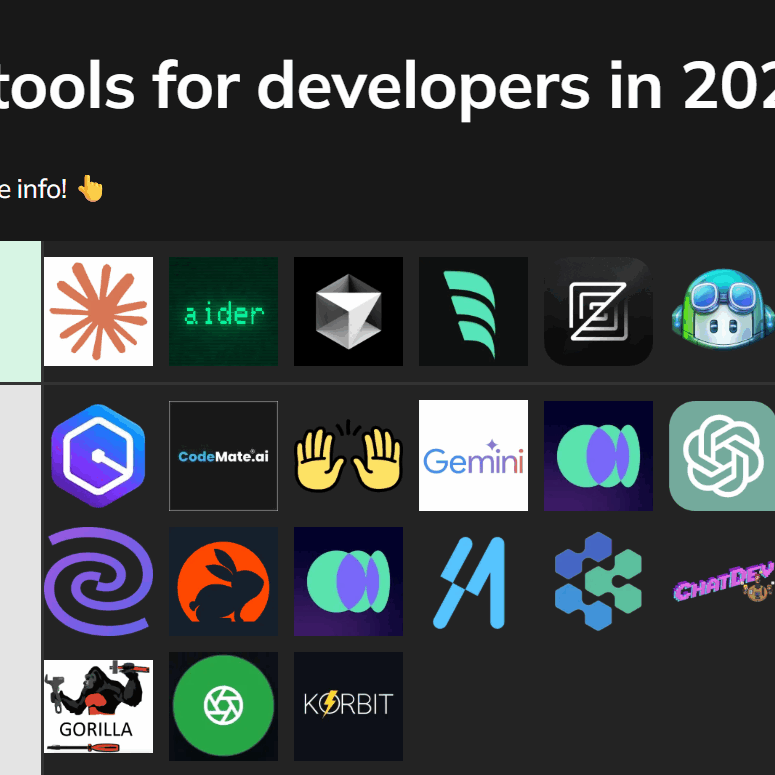
AI is increasingly playing a role in software development, with tools like GitHub Copilot, Tabnine, and Amazon CodeWhisperer offering code completion, bug detection, and code generation capabilities. These tools can significantly increase developer productivity, but they’re not a replacement for human expertise.
GitHub Copilot, powered by OpenAI Codex, suggests code snippets and entire functions based on your comments and existing code. Tabnine offers similar functionality, with a focus on privacy and on-premise deployment. Amazon CodeWhisperer integrates with AWS services and provides code recommendations based on your AWS usage.
It’s crucial to carefully review AI-generated code before accepting it. AI models can sometimes produce incorrect or insecure code. Treat AI-generated code as suggestions, not as definitive solutions. Beyond code generation, AI-powered tools can also automate repetitive tasks like code formatting, linting, and style checking.
Tools like Prettier and ESLint can automatically format your code and enforce coding standards, ensuring consistency and readability. These tools can be integrated into your IDE or CI/CD pipeline to automate the process.
- GitHub Copilot: AI-powered code completion and generation.
- Tabnine: Similar to Copilot, with a focus on privacy.
- Amazon CodeWhisperer: Code recommendations for AWS services.
- Prettier/ESLint: Automated code formatting and linting.
How often do you use AI-assisted coding tools?
Vote below and indicate how often AI-assisted coding tools are part of your development workflow.

No comments yet. Be the first to share your thoughts!