
The 2026 Developer Toolkit
By 2026, the gap between writing code and shipping it has narrowed. We aren't just looking for the newest shiny object; we need tools that actually handle the mess of modern software maintenance without getting in the way.
The rise of AI-assisted development is already reshaping how we write code, test applications, and collaborate with colleagues. Tools like AI code completion and automated debugging are becoming commonplace, and this trend will only accelerate. However, the fundamental principles of good software engineering – clean code, thorough testing, and effective collaboration – remain paramount. The right tools will amplify these principles.
I've put together the stack that actually works for 2026, from the editors that do the heavy lifting to the cloud platforms that keep things running. These are the tools that help you stay productive without burning out.
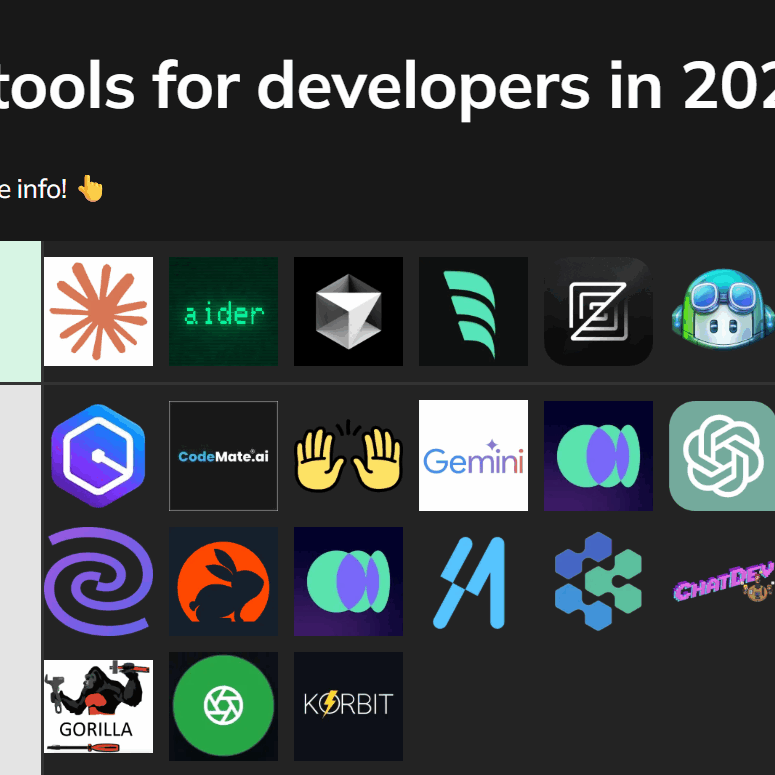
Editors and IDEs that do more than highlight syntax
Code editors and Integrated Development Environments (IDEs) have come a long way from simple text editors with syntax highlighting. Today, they are powerful platforms that offer a wealth of features to boost developer productivity. We’re seeing a strong push towards intelligent assistance, with AI-powered code completion being a standout feature.
Tools like GitHub Copilot are significantly changing the coding experience. They provide real-time code suggestions, helping developers write code faster and with fewer errors. Integrated debugging tools are also becoming more sophisticated, allowing developers to identify and fix bugs more efficiently. Remote development capabilities, facilitated by tools like VS Code’s Remote – SSH extension, are also increasingly important.
VS Code is still the standard because the extension library is unbeatable. If you're on the JVM, IntelliJ IDEA is still the better choice for refactoring. Most new IDEs are just trying to catch up to these two by bolting on AI features.
- GitHub Copilot for real-time code suggestions
- Integrated debugging: Streamlined bug identification and resolution.
- Remote development: Collaboration and access to resources from anywhere.
Git is still the standard
Git remains the undisputed champion of version control systems. Its distributed nature, branching capabilities, and strong community support have made it an essential tool for developers of all skill levels. While the core Git commands haven’t changed dramatically, the services built around Git are constantly evolving.
Platforms like GitHub, GitLab, and Bitbucket have become central hubs for software development. They provide features like advanced pull request workflows, code review tools, and seamless integration with CI/CD pipelines. These platforms facilitate collaboration, improve code quality, and streamline the development process.
The focus is increasingly on enhancing collaboration features and automating workflows. Advanced pull request features, such as suggested changes and automated merge conflict resolution, are becoming commonplace. Integration with CI/CD pipelines allows for automated testing and deployment, reducing the risk of errors and accelerating time to market.
Testing earlier in the cycle
Testing and debugging are critical components of the software development lifecycle. In 2026, we’ll see a continued emphasis on 'shifting left' – moving testing earlier in the development process. This means incorporating testing into every stage, from unit tests to integration tests to end-to-end tests.
Unit testing frameworks like JUnit (Java) and pytest (Python) remain essential for verifying the functionality of individual code components. Integration testing tools, such as Selenium and Cypress, are used to test the interaction between different parts of the application. End-to-end testing platforms, like TestCafe, simulate real user scenarios to ensure the application functions as expected.
AI is starting to play a role in automating testing and identifying bugs. Tools that use machine learning to analyze code and predict potential issues are gaining traction. These tools can help developers catch errors earlier, reduce the cost of fixing bugs, and improve the overall quality of the software. I expect to see this trend accelerate in the coming years.
- Unit Testing: JUnit, pytest
- Selenium and Cypress for integration testing
- End-to-End Testing: TestCafe
Testing Approach Comparison - 2026
| Testing Approach | Speed 🚀 | Cost 💰 | Coverage 🌐 | Complexity 🤯 |
|---|---|---|---|---|
| Unit Testing | High | Low | Low | Low |
| Integration Testing | Medium | Medium | Medium | Medium |
| End-to-End Testing | Low | High | High | High |
| Property-Based Testing | Medium | Medium | Medium | High |
Illustrative comparison based on the article research brief. Verify current pricing, limits, and product details in the official docs before relying on it.
Collaboration & Project Management
Effective collaboration is essential for successful software development, especially in larger teams. Project management platforms like Jira, Asana, and Trello help teams organize tasks, track progress, and manage dependencies. These tools provide a centralized location for all project-related information.
Communication tools like Slack and Microsoft Teams are also critical for real-time collaboration. They allow developers to quickly communicate with each other, share ideas, and resolve issues. The key is to integrate these tools seamlessly into the development workflow.
We're seeing a trend towards tighter integration between project management and development tools. For example, some platforms allow for automated issue creation from code commits, streamlining the bug tracking process. This integration helps to break down silos and improve communication between developers and project managers.
The cloud is the default
Amazon Web Services (AWS), Microsoft Azure, and Google Cloud Platform (GCP) are now fundamental to modern software development. These platforms provide a wide range of services that developers can use to build, deploy, and scale their applications. They offer significant advantages in terms of cost, scalability, and reliability.
Developers directly leverage services like serverless computing (AWS Lambda, Azure Functions, Google Cloud Functions), containerization (Docker, Kubernetes), and managed databases. Serverless computing allows developers to run code without managing servers, reducing operational overhead. Containerization provides a consistent environment for running applications across different platforms.
The developer experience on these platforms is continually improving. Cloud providers are offering more tools and services to simplify the development process, such as integrated development environments and automated deployment pipelines. Understanding how to effectively use these cloud services is becoming an essential skill for developers.
- Serverless Computing: AWS Lambda, Azure Functions, Google Cloud Functions
- Containerization: Docker, Kubernetes
- Managed Databases: AWS RDS, Azure SQL Database, Google Cloud SQL
Low-Code/No-Code: A Complement, Not a Replacement
Low-code/no-code platforms like Bubble, OutSystems, and Appian are gaining popularity, particularly for rapid prototyping and building simple applications. These platforms allow users to create applications with minimal coding, making them accessible to a wider range of users.
However, it’s important to be realistic about their limitations. Low-code/no-code platforms are not a replacement for traditional coding. They are best suited for specific use cases where speed and simplicity are more important than flexibility and control. Complex applications with custom requirements will still require traditional development methods.
I see these platforms as a valuable complement to traditional development. They can be used to quickly build prototypes, automate simple tasks, or create internal tools. But for mission-critical applications that require high performance, scalability, and security, traditional coding remains the preferred approach.
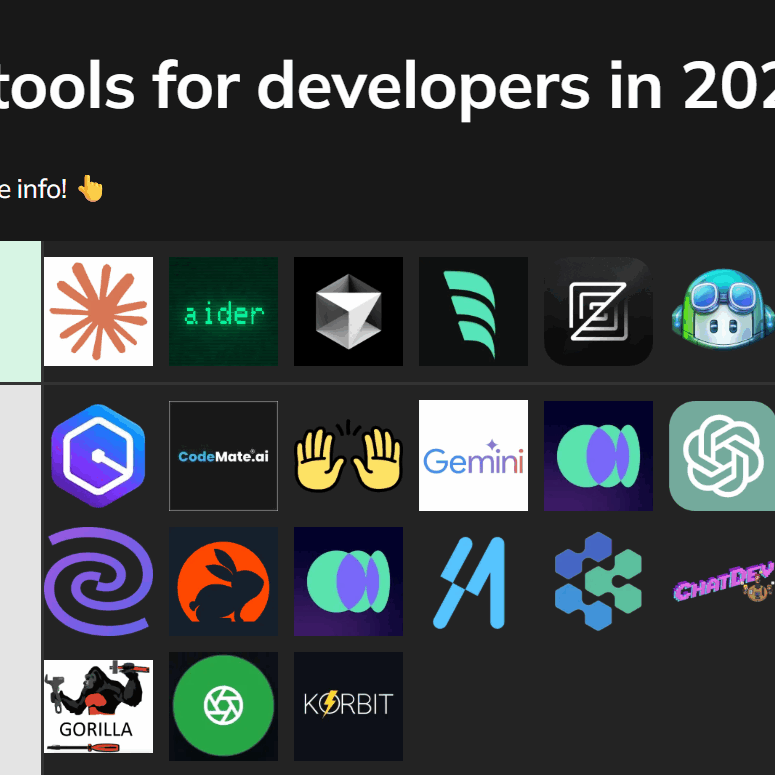
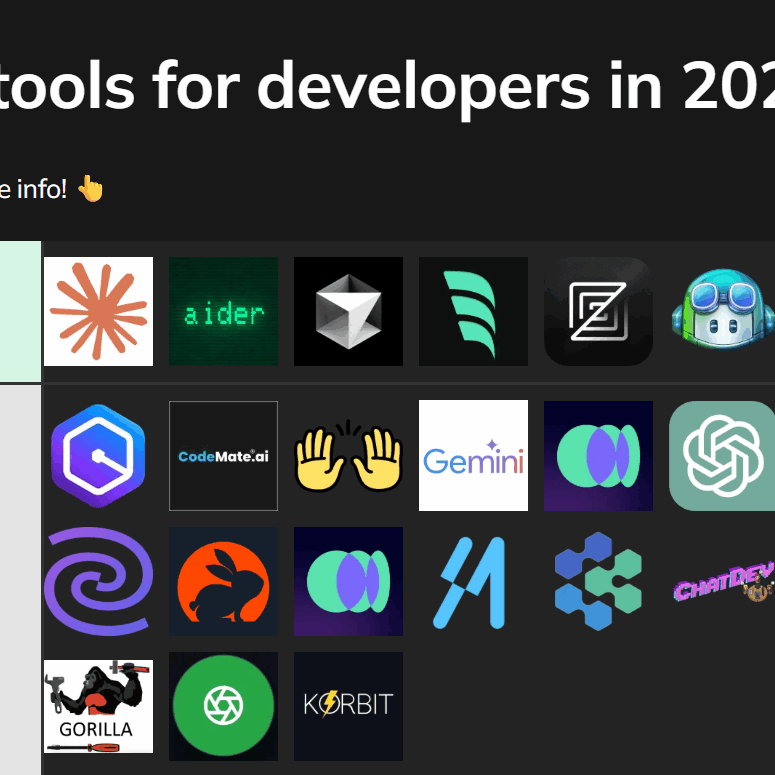
What's the most exciting new development tool you've discovered in the last year?
Hey Instinct Coder community! 🚀 As we look toward the essentials for 2026, we want to know which tool has most improved your workflow recently. Vote below!

No comments yet. Be the first to share your thoughts!