
How AI tutors actually help you code
Learning to code usually involves expensive tuition and the frustration of getting stuck on a single line of syntax for hours. Traditional classes don't give you immediate feedback when you're struggling at 2 AM. AI tools are changing that by acting as a persistent safety net.
Artificial intelligence is stepping in to reshape how we learn programming. AI-powered tools aren't meant to replace instructors entirely, but to augment the learning experience, offering on-demand assistance, tailored exercises, and real-time feedback. This shift promises to make coding education more accessible, affordable, and effective.
Codecademy's recent introduction of 'AI Builder' exemplifies this trend. It’s designed to help users rapidly prototype projects, going from concept to working code in seconds. This feature, and others like it emerging across the industry, signal a move towards more interactive and personalized learning environments. This isn't about debating whether AI will impact coding education; it’s about understanding how it’s already doing so.
The main advantage is that software doesn't get tired. An AI tutor can look at your specific logic errors and explain them instantly, whereas a human TA has to juggle thirty other students. It's about getting help the second you need it.
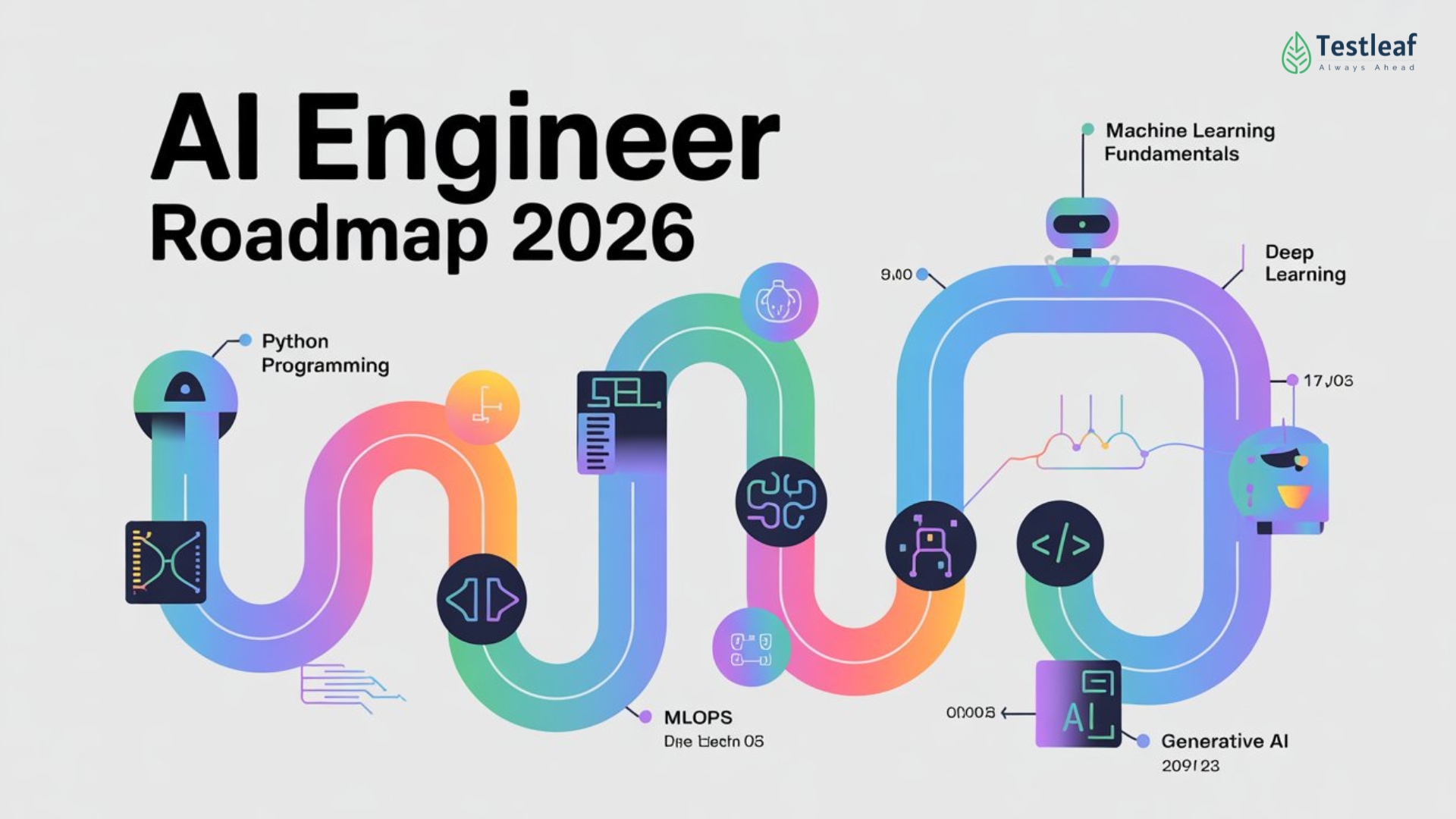
The best AI programming courses right now
The market for AI-assisted programming courses is expanding rapidly. Several platforms are integrating AI features to enhance the learning experience. Here’s a look at some of the leading options available in 2026, with a focus on their AI capabilities and overall value.
Codecademy remains a popular choice, particularly with the addition of their AI Builder. It’s geared towards beginners but offers paths for intermediate learners as well. They cover languages like Python, JavaScript, HTML, CSS, and SQL. The AI Builder is a standout feature, allowing users to describe a project and have Codecademy generate a functional prototype. This is especially useful for quickly visualizing concepts and getting hands-on experience. Subscription costs vary, with a Pro plan offering unlimited access to courses and the AI Builder.
Coursera offers a wide range of programming courses from universities and institutions worldwide. Many courses now incorporate AI-powered tools for code review and debugging. Their specialization in Python, for example, utilizes automated feedback systems to help learners identify and correct errors. Coursera’s strength lies in its depth and breadth of content, catering to all skill levels. Pricing is typically per course or through a subscription model.
SitePoint is well-regarded for its practical, project-based approach to web development. They’ve begun to integrate AI-powered code completion and suggestion tools into their learning platform. This allows students to write code more efficiently and learn best practices. SitePoint focuses heavily on front-end and back-end web technologies, including JavaScript, PHP, and Ruby on Rails. A subscription provides access to all their courses and resources.
Treehouse offers a curated learning experience with a focus on web development and mobile app development. They’ve introduced AI-powered quizzes and challenges that adapt to the learner’s skill level. This ensures that students are consistently challenged without being overwhelmed. Treehouse emphasizes hands-on learning and building real-world projects. They offer a monthly or annual subscription.
Udemy hosts a massive marketplace of courses, including many covering programming. While not all Udemy courses have built-in AI features, a growing number of instructors are incorporating AI-powered tools for code review and debugging. The quality of courses on Udemy can vary, so it’s important to read reviews carefully. Pricing is typically per course, with frequent sales and discounts.
DataCamp specializes in data science and analytics courses. They leverage AI to provide personalized learning paths and automated feedback on coding exercises. DataCamp’s courses are designed to help learners quickly acquire practical skills in data manipulation, visualization, and machine learning. They offer a subscription-based model.
- Codecademy: Best for beginners, AI Builder for rapid prototyping.
- Coursera: Wide range of courses, AI-powered code review.
- SitePoint: Practical, project-based learning, AI code completion.
- Treehouse: Adaptive quizzes and challenges, focused on web and mobile development.
- Udemy: Large marketplace, variable quality, growing AI integration.
- DataCamp: Data science focus, personalized learning paths.
Gear Up for Smarter Coding: Essential Tools for AI-Powered Learning
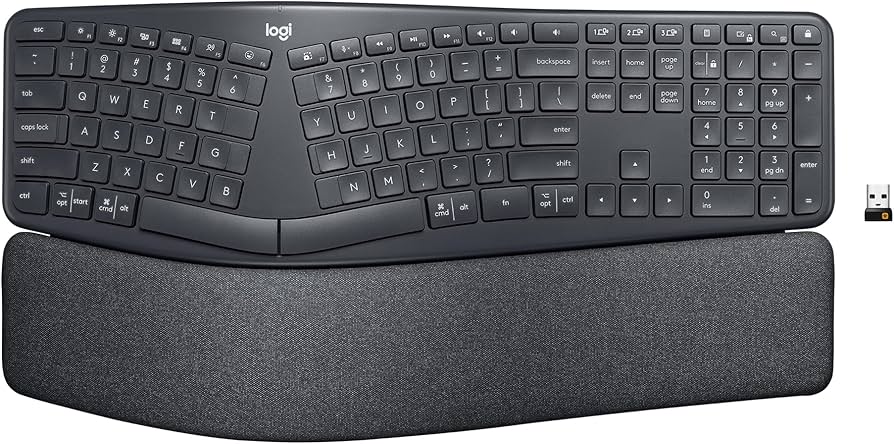
Split, curved keyframe promotes natural wrist and forearm posture · Pillow-like wrist rest for comfort · Quiet, familiar typing experience
This ergonomic keyboard is designed to keep you comfortable during long coding sessions, reducing strain and allowing you to focus on learning.

Industry-leading noise cancellation · Exceptional sound quality · Comfortable, lightweight design
Immerse yourself in your studies without distractions thanks to these top-tier noise-canceling headphones.

Advanced blue light blocking technology · Reduces eye strain and fatigue · UV protection
Protect your eyes from the harsh glare of screens during extended study periods with these effective blue light glasses.
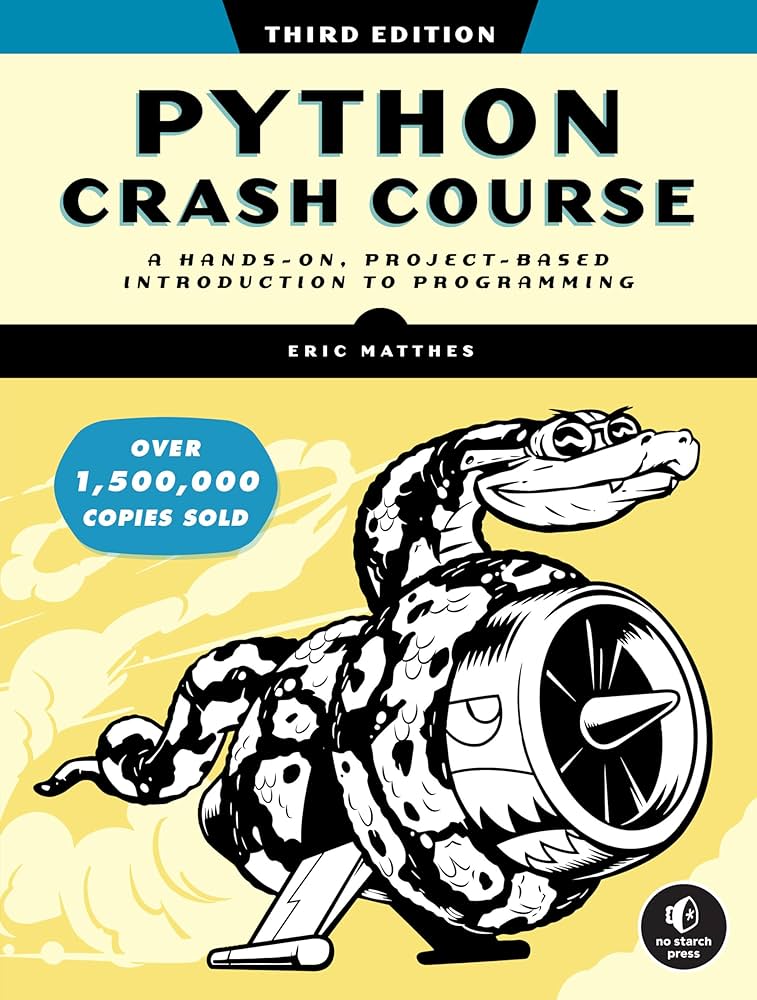
Project-based learning approach · Covers fundamental Python concepts · Includes hands-on exercises and real-world projects
This comprehensive book provides a practical, project-driven path to learning Python, a crucial language for AI development.

27-inch 4K UHD resolution · IPS Black technology for superior contrast · Extensive connectivity with USB-C hub
A high-resolution monitor with excellent color accuracy and convenient connectivity will enhance your coding workflow and visual experience.
As an Amazon Associate I earn from qualifying purchases. Prices may vary.
Skill Paths vs. Free-Form Learning
There are two main approaches to learning programming: structured skill paths and free-form, project-based learning. Skill paths, like those offered by Codecademy and Coursera, provide a predefined curriculum with clear learning objectives. They’re ideal for beginners who want a guided introduction to programming concepts. AI tutors can excel in this environment by providing personalized support and tracking progress along the path.
Free-form learning, on the other hand, involves choosing your own projects and learning as you go. This approach is more challenging but can be more rewarding for experienced learners who want to explore specific areas of interest. AI tutors can still be valuable in this context, offering assistance with debugging, code review, and finding relevant resources.
The best approach depends on your individual learning style and goals. Some learners thrive in a structured environment, while others prefer the freedom to explore. AI tutors can adapt to both approaches, providing support and guidance regardless of how you choose to learn. A good AI-powered platform should offer flexibility and allow you to switch between structured learning and free-form exploration.
AI Feature Comparison: Popular Programming Courses (2026)
| Course Name | Real-time Feedback | Debugging Assistance | Personalized Paths | Code Generation |
|---|---|---|---|---|
| Codecademy | Yes | Limited | Yes | Emerging - AI Builder |
| DataCamp | Limited | Yes | Yes | Basic Snippets |
| Udacity | Limited | Yes | Yes | Suggestions Only |
| Coursera (various courses) | Varies by Course | Varies by Course | Varies by Course | Limited - Code Completion |
| Khan Academy | Limited | No | Basic | No |
| freeCodeCamp | No | Community Support Focused | No | No |
Qualitative comparison based on the article research brief. Confirm current product details in the official docs before making implementation choices.
Languages Best Suited to AI Tutoring
Certain programming languages lend themselves more naturally to AI-powered learning than others. Python is a clear frontrunner, due to its clear syntax, extensive libraries, and large online community. The availability of automated testing tools and code analysis tools makes it easier for AI tutors to provide meaningful feedback.
JavaScript is another strong contender, particularly for web development. The interactive nature of JavaScript and the abundance of online resources make it a good fit for AI-powered learning platforms. AI can assist with debugging complex JavaScript code and suggesting improvements to front-end designs.
While languages like Rust and Go are gaining popularity, they present more challenges for AI tutoring. Their complex syntax and lower-level nature require a deeper understanding of programming concepts. However, AI could potentially assist with memory management and concurrency issues in these languages.
Ultimately, the suitability of a language for AI tutoring depends on the availability of tools and resources. As AI technology advances, we can expect to see more sophisticated tutoring tools emerge for a wider range of programming languages.
The Cost of AI-Assisted Learning
The cost of AI-powered programming courses varies widely. Codecademy’s Pro plan, which includes access to the AI Builder, typically costs around $20-$30 per month. Coursera’s pricing is per course or through a subscription, with individual courses ranging from $50 to $1000. Platforms like SitePoint and Treehouse offer monthly or annual subscriptions, typically in the $20-$50 range.
Generally, AI features are included in the premium tiers of these platforms. Free tiers often offer limited access to AI-powered tools or restrict the number of times you can use them. It’s important to compare the features and pricing of different courses to find the best value for your money.
Compared to traditional online coding bootcamps, which can cost several thousand dollars, AI-powered courses are generally more affordable. However, they may not offer the same level of personalized support from human instructors. University programs, of course, represent a significantly larger financial investment.
Which programming language are you currently learning with the help of AI tools?
Vote below! We’d love to see which language our community is exploring with AI-powered learning support.
Beyond the Basics: AI for Advanced Coders
While much of the focus on AI in programming education is on beginners, AI is also becoming an increasingly valuable tool for experienced developers. AI-powered code completion tools, like GitHub Copilot, can significantly speed up the coding process and reduce errors. These tools use machine learning to predict what you’re going to type, suggesting code snippets and even entire functions.
Automated refactoring suggestions can help you improve the quality and maintainability of your code. AI can identify areas where your code could be simplified or optimized, and suggest changes to improve its performance. AI-driven vulnerability detection tools can help you identify and fix security flaws in your code before they’re exploited.
The use of AI in advanced coding is still evolving, but it has the potential to transform the way experienced developers work. By automating repetitive tasks and providing intelligent insights, AI can free up developers to focus on more creative and challenging problems.
No comments yet. Be the first to share your thoughts!