
The developer toolbox in 2026
Software tools move fast, but the goal isn't to chase every new framework. By 2026, the gap between a good developer and a great one usually comes down to how they automate the boring parts of their workflow. We need tools that actually save time, not just ones with the best marketing.
The sheer volume of available software development tools is overwhelming. Distilling that down to a core set requires a focus on lasting value. We’ll look beyond the hype cycles and concentrate on tools that are becoming baseline expectations for professional developers—those that address fundamental needs for efficiency, collaboration, and code quality. This isn't a 'nice-to-have' list; it's a 'must-have' list.
Expect to see continued integration between tools. The days of isolated, single-purpose applications are fading. The most valuable tools will be those that seamlessly integrate with your existing workflow, providing a cohesive and streamlined development experience. That means a focus on APIs, extensibility, and interoperability. This also means a stronger emphasis on cloud-based solutions.
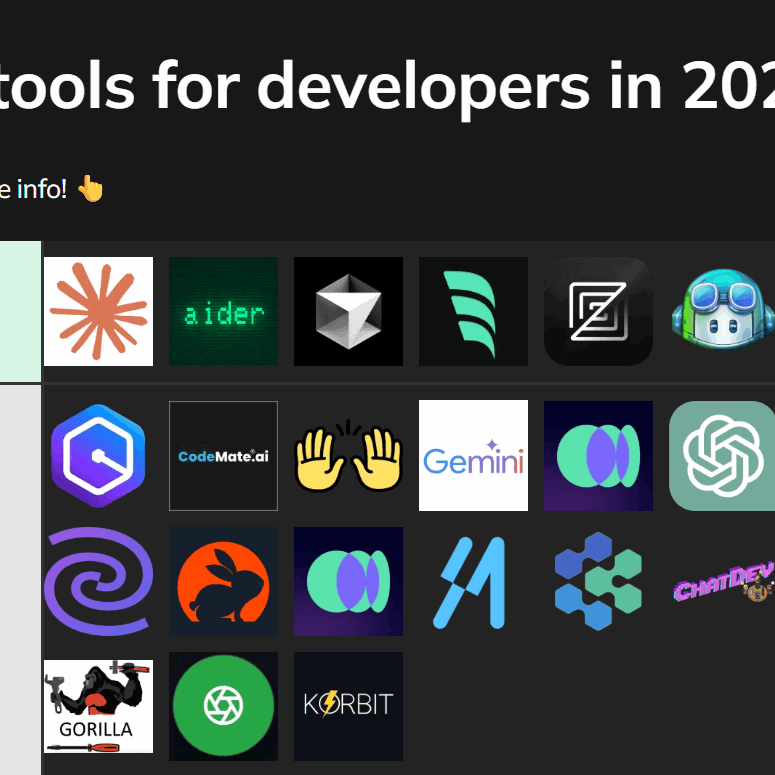
Editors and IDEs
Visual Studio Code continues its reign as the dominant IDE, and for good reason. Its lightweight nature, extensive extension ecosystem, and broad language support make it a compelling choice for developers of all levels. However, don't discount the power of established players like JetBrains’ IntelliJ IDEA. IntelliJ’s strength lies in its deep understanding of specific languages—Java, Kotlin, Python—and its robust refactoring capabilities.
Extensions are where the real work happens. We're seeing a shift from simple autocomplete to tools that can actually map out a refactor across ten different files without breaking the build. If your editor isn't saving you from manual regex searches by now, it's falling behind.
Cloud-based IDEs like GitHub Codespaces are gaining traction, offering a convenient way to develop from anywhere with an internet connection. These offer the benefit of pre-configured environments and simplified collaboration. While they aren’t likely to replace desktop IDEs entirely, they provide a valuable alternative for certain use cases, particularly for quick prototyping and collaborative coding sessions. The ongoing challenge for these platforms is network latency and offline capabilities.
Standard features now include intelligent code completion—going beyond basic syntax highlighting to suggest entire code blocks—and powerful debugging tools. Refactoring tools have also become essential, allowing developers to safely and efficiently restructure code. Where IDEs still fall short is in truly understanding the semantic meaning of code, which is where AI-powered tools are starting to make a difference.
- VS Code remains the standard for most web work because the extension library is unbeatable.
- IntelliJ IDEA: Powerful, especially for Java, Kotlin, and Python development.
- GitHub Codespaces: Convenient cloud-based IDE for collaborative coding.
Version control and repo management
Git remains the undisputed champion of version control systems. However, the ecosystem surrounding Git is where things get interesting. GitHub, GitLab, and Bitbucket all offer Git repositories, but they also provide a wealth of additional features, including issue tracking, CI/CD pipelines, and project management tools. GitHub’s market share remains significant, but GitLab is gaining ground, particularly among organizations that prioritize self-hosting and DevOps capabilities.
Advanced Git workflows—like Gitflow and trunk-based development—are becoming increasingly common. Understanding these workflows is crucial for effective collaboration and managing complex projects. Code review tools integrated within these platforms are also essential for maintaining code quality and preventing bugs. The quality of the review process is often more important than the tools themselves.
Emerging concepts like DVC (Data Version Control) are addressing a specific need within the machine learning community. DVC allows developers to version control large datasets and machine learning models, which are often difficult to manage with traditional Git. This is a niche area, but it highlights the evolving needs of modern software development.
Package Managers and Dependency Management
Effective dependency management is critical for any non-trivial software project. npm and yarn dominate the JavaScript ecosystem, while pip is the standard for Python. Maven and Gradle are widely used in the Java world. The core challenge remains the same: resolving dependency conflicts and ensuring that your project builds consistently across different environments.
Dependency vulnerabilities are a major concern. Tools like Snyk and Dependabot help identify and remediate these vulnerabilities, but developers need to be proactive in keeping their dependencies up-to-date. The trend toward more secure and reproducible builds is driving the adoption of tools that enforce dependency pinning and provide detailed dependency graphs.
Containerization, using Docker and Kubernetes, has significantly impacted dependency management. Containers package your application and its dependencies into a single unit, ensuring that it runs consistently regardless of the underlying infrastructure. This simplifies deployment and reduces the risk of dependency conflicts. However, it also introduces new challenges around container image management and security.
- npm/yarn: JavaScript package management.
- pip: Python package management.
- Maven/Gradle: Java build automation and dependency management.
Package Manager Comparison - 2026
| Language Support | Speed | Security Features | Community Support | Ease of Use |
|---|---|---|---|---|
| npm | Generally good performance, though can be slower with large projects and complex dependency trees. | Vulnerable package discovery and reporting have improved, but historical issues remain a concern. Relies on auditing tools and developer diligence. | Extremely large and active community, extensive documentation and a vast number of available packages. | Widely adopted, making it familiar to many developers. Configuration can become complex in larger projects. |
| Yarn | Often faster than npm, particularly for caching and parallelizing operations. Focuses on deterministic installs. | Similar security considerations to npm, utilizing lockfiles to ensure consistent dependencies and auditing tools. | Large and active community, though smaller than npm's. Good documentation and a growing package ecosystem. | Designed to be user-friendly, with a focus on clarity and predictability. Lockfiles simplify dependency management. |
| pip | Performance is generally adequate for Python projects, but can be slower when resolving complex dependencies. | Relies on package metadata and user awareness. Vulnerability scanning tools are available but not integrated by default. | Strong community support within the Python ecosystem. Extensive documentation and a massive collection of packages available through PyPI. | Relatively straightforward to use, especially for simple projects. Virtual environments are crucial for managing dependencies. |
| Maven | Build speed can be slower compared to Gradle, particularly for incremental builds. Heavily reliant on XML configuration. | Centralized repository provides a degree of trust, but dependency vulnerabilities still require careful management. | Mature and well-established community, primarily within the Java enterprise space. Comprehensive documentation. | Steeper learning curve due to the verbose XML configuration. Can be complex for smaller projects. |
| Gradle | Generally faster than Maven, especially for incremental builds, due to its build cache and parallel execution capabilities. | Dependency management features and integration with vulnerability scanning tools help mitigate security risks. | Growing community, particularly popular for Android development and larger Java projects. Excellent documentation. | More flexible and concise build configuration compared to Maven, using a Groovy or Kotlin-based DSL. Requires some learning of the DSL. |
Illustrative comparison based on the article research brief. Verify current pricing, limits, and product details in the official docs before relying on it.
Testing and Debugging Tools
Testing is often the first thing to be sacrificed when deadlines loom, but it’s arguably the most important part of the development process. Unit testing frameworks like Jest (JavaScript), JUnit (Java), and pytest (Python) allow developers to write automated tests that verify the functionality of individual code units. Integration testing tools ensure that different components of your application work together correctly. End-to-end testing frameworks like Cypress and Selenium simulate user interactions to test the entire application flow.
Test-driven development (TDD) is a powerful technique where you write tests before you write the code. This forces you to think carefully about the requirements and design of your application. Continuous integration/continuous delivery (CI/CD) pipelines automate the testing and deployment process, ensuring that code changes are thoroughly tested before they are released to production.
Debugging tools extend beyond the capabilities of the IDE. Profilers help identify performance bottlenecks, while memory leak detectors help find and fix memory-related issues. Logging and tracing tools provide valuable insights into the behavior of your application in production. Effective debugging requires a combination of tools and techniques, as well as a deep understanding of the underlying system.
- Jest, JUnit, pytest: Unit testing frameworks.
- Cypress, Selenium: End-to-end testing frameworks.
- CI/CD Pipelines: Automation of testing and deployment.
Featured Products

High-performance JTAG/SWD debugger for Cortex-M microcontrollers · USB connectivity for easy integration · Ideal for educational and development purposes
The Segger J-Link EDU mini provides essential debugging capabilities for embedded systems, enabling efficient code analysis and troubleshooting.

8-channel logic analyzer for detailed signal analysis · Cross-platform compatibility (Windows, Mac, Linux) · Portable design for on-the-go development
The Saleae Logic 8 offers invaluable insights into digital signals, streamlining the debugging process for hardware and software interactions.

Advanced debugging and trace capabilities for complex embedded systems · Supports a wide range of microprocessors and microcontrollers · Powerful analysis tools for real-time system understanding
Lauterbach TRACE32 is a professional-grade debugger renowned for its comprehensive features, making it indispensable for intricate embedded development and debugging.
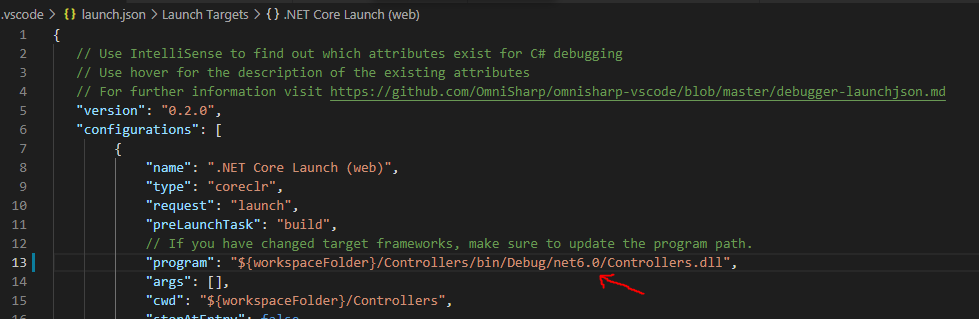
Extensive debugging support for various programming languages and environments · Seamless integration within the Visual Studio Code IDE · Customizable and extensible through a vast ecosystem of extensions
Visual Studio Code debugger extensions offer unparalleled flexibility and power, allowing developers to tailor their debugging experience for any project.

Introduction to software reverse engineering principles · Guidance on code analysis and threat mitigation · Focus on practical debugging techniques
Ghidra provides a powerful platform for understanding and analyzing software, equipping developers with the skills to debug and secure applications effectively.
As an Amazon Associate I earn from qualifying purchases. Prices may vary.
Performance Monitoring and Profiling
Once your code is in production, monitoring its performance is vital. Tools like New Relic, Datadog, and Prometheus provide real-time insights into application performance, allowing you to identify bottlenecks and ensure scalability. These tools can track metrics like response time, error rate, and resource utilization.
Logging and tracing are essential for diagnosing issues quickly. Logging captures events that occur within your application, while tracing provides a detailed view of the execution flow. These tools help you pinpoint the root cause of performance problems and identify areas for optimization. A well-defined logging strategy is crucial for effective troubleshooting.
Profiling tools help you identify performance bottlenecks at the code level. These tools can pinpoint which functions are consuming the most resources and provide insights into how to optimize your code for speed and efficiency. The choice of profiling tool depends on the programming language and the specific performance characteristics you are trying to analyze.
AI in the workflow
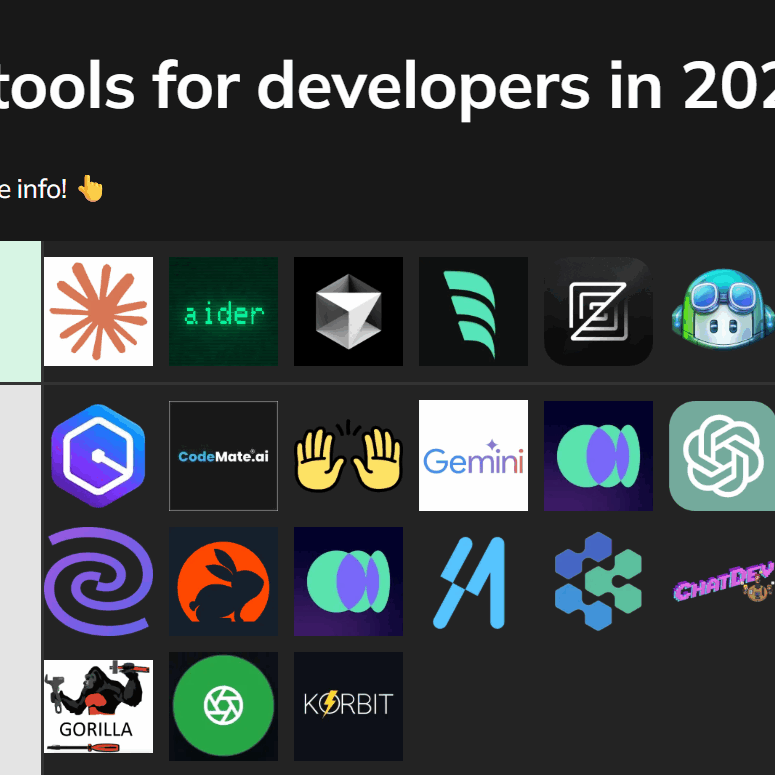
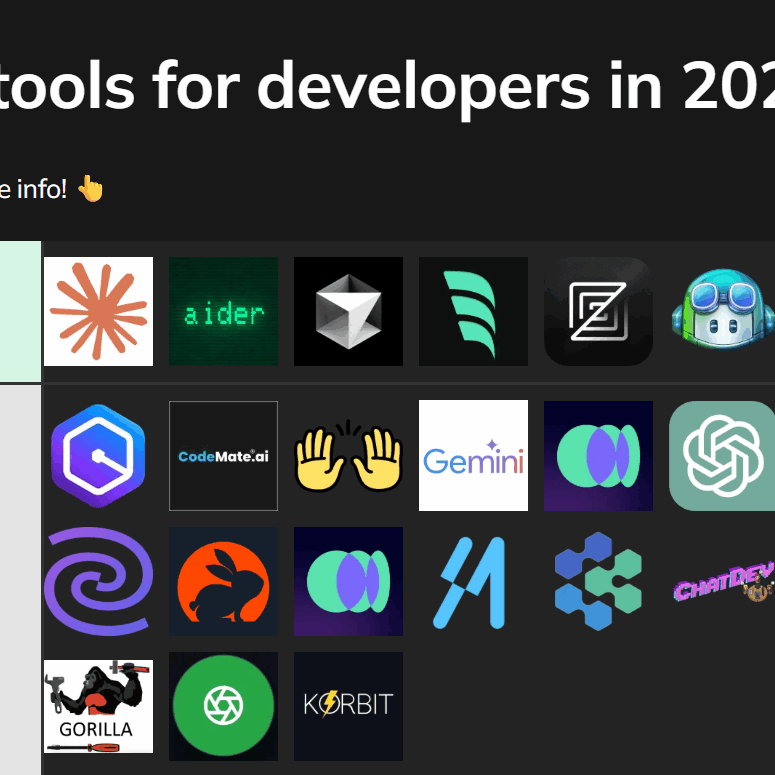
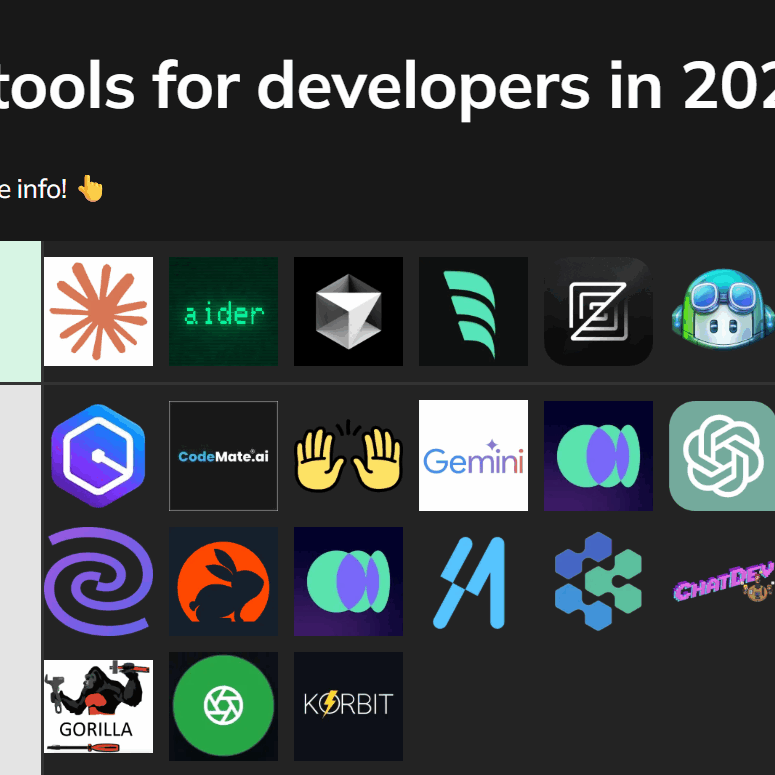
Artificial intelligence is rapidly transforming the software development landscape. Tools like GitHub Copilot and Tabnine use machine learning to provide AI-powered code completion and generation. These tools can significantly accelerate development speed, but they also raise important questions about code quality and intellectual property.
The ethical implications of using AI-generated code need to be carefully considered. It’s important to review AI-generated code thoroughly to ensure that it meets your quality standards and doesn’t introduce any security vulnerabilities. Code review remains a critical step in the development process, even when using AI-assisted tools. You should also understand the licensing implications of using AI-generated code.
AI-powered debugging and testing tools are also emerging. These tools can automatically identify and fix bugs, as well as generate test cases. While these tools are still in their early stages of development, they have the potential to revolutionize the testing process. Expect to see more sophisticated AI-powered tools emerge in the coming years.

No comments yet. Be the first to share your thoughts!