
How to choose a coding course
Picking the right platform to learn programming online feels a lot like choosing a gym membership. You can buy the most expensive pass, but if the equipment is broken or the class schedule doesn’t fit your life, you’ll just be paying for the privilege of feeling guilty. For self-taught developers, the goal isn’t just to watch videos; it’s to build the muscle memory of writing code. That means your evaluation criteria need to shift from passive consumption to active output.
The single biggest factor in your success rate is interactivity. Platforms that force you to type code in a browser-based environment beat those that rely solely on passive video lectures. When you’re learning, you’re not absorbing information like a sponge; you’re building neural pathways through repetition and error correction. A platform that lets you debug code in real-time, see immediate feedback, and fix syntax errors without leaving the lesson is worth far more than a library of high-production videos you’ll never finish. Look for integrated coding editors and automated testing suites that guide you through the logic, not just the syntax.
Curriculum depth is the second pillar. A good course doesn’t just teach you the for loop; it teaches you when not to use one. Look for structured paths that move from basic syntax to algorithmic thinking and system design. The best programs for self-taught developers in 2026 offer project-based milestones. Instead of abstract quizzes, they should require you to build a working application, deploy it, and explain your architectural choices. This mirrors the actual workflow of a junior developer and gives you portfolio pieces that matter more than any certificate.
Finally, consider career support. While a certificate won’t get you hired, the community and mentorship surrounding a platform often do. Does the course offer code reviews from senior engineers? Is there an active community where you can troubleshoot bugs? Platforms that facilitate peer learning and provide access to industry professionals can accelerate your transition from learner to employable developer. Prioritize those that treat you like a colleague in training, not just a subscriber to a video stream.
Top interactive platforms for beginners
If you are looking to learn programming online, the biggest hurdle is often just getting started. You do not need a complex development environment installed on your computer to write your first line of code. Modern platforms handle the setup in your browser, letting you focus on logic rather than configuration. These tools provide a sandbox where you can type code, get instant feedback, and fix errors without breaking anything.
Codecademy
Codecademy is widely regarded as the gold standard for absolute beginners. It breaks down complex concepts into bite-sized, interactive lessons that feel more like a game than a textbook. The platform covers a vast array of languages, from Python and JavaScript to SQL and web development basics. Its immediate feedback loop helps you understand syntax errors in real time, which accelerates the learning curve significantly.
FreeCodeCamp
FreeCodeCamp offers a completely different approach: project-based learning. Instead of passive video watching, you earn certifications by building actual applications. The curriculum is rigorous and designed to mirror real-world tasks, making it excellent for self-taught developers who want a portfolio-ready skill set. Because it is entirely free, it removes the financial barrier to entry, allowing you to commit to long-term study without worrying about subscription costs.
Codédex
For those who find traditional tutorials dry, Codédex gamifies the experience. It wraps coding lessons in a fantasy adventure theme, where you level up your character by mastering Python, HTML, CSS, or JavaScript. This approach keeps motivation high by turning dry syntax rules into quests. It is particularly effective for younger learners or anyone who needs a bit of extra engagement to stay consistent with their daily coding practice.
Platform Comparison
Choosing the right platform depends on your learning style and budget. Use this table to see how the top three options stack up against each other.
Each of these platforms offers a free tier, so you can test the waters before committing. The best platform is the one you will actually use consistently. Start with the one that matches your preferred learning style, whether that is structured lessons, building projects, or gamified quests.
Best resources for coding interview prep
Learning to code online is one thing; passing the technical interview is another. Many self-taught developers hit a wall when they move from building projects to solving algorithmic problems under pressure. The gap between understanding syntax and demonstrating problem-solving skills is wide, but it is bridgeable with the right resources.
Most hiring managers at top tech companies still rely on standardized coding assessments. These interviews test your ability to manipulate data structures, optimize time complexity, and write clean code on a whiteboard or shared editor. If you’ve only learned through guided tutorials, you might find these scenarios unfamiliar. You need to shift your focus from "how does this framework work?" to "how do I solve this abstract problem efficiently?"
The most effective preparation combines active practice with structured review. Platforms like Coddy.Tech offer free interactive lessons that help you practice the fundamentals across multiple languages, but for interview-specific prep, you often need dedicated problem-solving resources. Many developers find that studying classic algorithm textbooks provides the theoretical foundation that online bootcamps sometimes skip.
To help you build that foundation, here are some highly rated books and guides available on Amazon that focus specifically on coding interview preparation. These resources are widely recommended by senior engineers for their clear explanations of complex topics like dynamic programming, graph traversal, and system design.
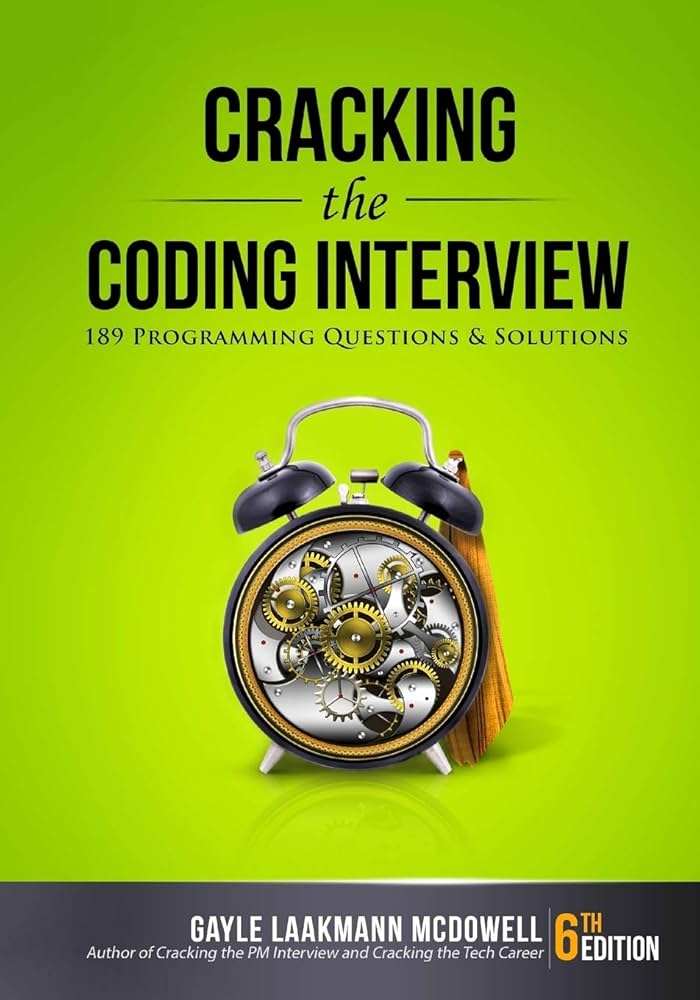


As an Amazon Associate, we may earn from qualifying purchases.
Don't just read these books; work through the problems. Start with the basics, then gradually increase the difficulty. Consistency matters more than volume. Solving one problem a day is better than cramming ten problems once a week. This approach builds the muscle memory you need to stay calm when the interviewer is watching.
Free vs paid learning paths compared
When you start to learn programming online, you quickly face a choice: build your own curriculum with free resources or pay for a structured bootcamp. Neither path is inherently better; they just serve different learning styles and career timelines.
Free platforms like freeCodeCamp offer a vast library of tutorials and projects at zero cost. You get full control over what you study and when, but you must be disciplined enough to stick to the plan without external deadlines or instructor feedback. It is a marathon that requires strong self-motivation.
Paid courses or bootcamps provide a curated syllabus, code reviews, and often career support. You are paying for structure and accountability. If you struggle with procrastination or need a clear roadmap to a junior developer role, the investment can save you months of wandering.
The table below breaks down the core differences to help you decide which path aligns with your budget and goals.
| Feature | Free Resources | Paid Bootcamps/Courses |
|---|---|---|
| Cost | $0 | $500 - $15,000+ |
| Structure | Self-directed, modular | Linear, cohort-based |
| Feedback | Community forums, peer review | Instructor code reviews, Q&A |
| Career Support | Rarely included | Resume help, mock interviews |
| Time to Job | 6-12+ months (variable) | 3-6 months (intensive) |
Your next steps to start coding
Learning to code online is less about memorizing syntax and more about building the habit of solving problems. You don't need to wait for the "perfect" moment or a complete roadmap. You just need to start.
Here is a practical checklist to get you moving today.
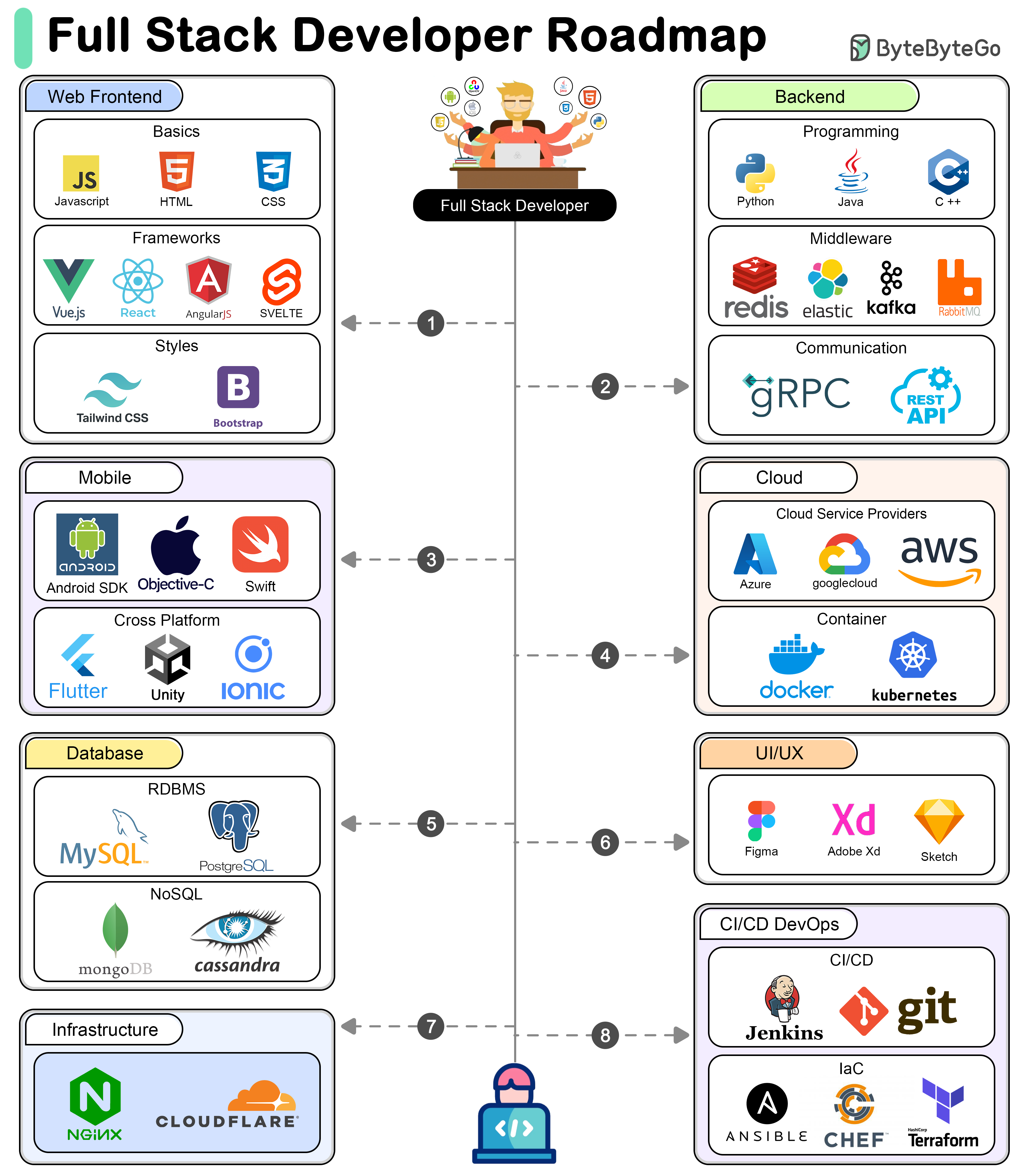
Choose Python, JavaScript, or HTML/CSS. Avoid jumping between tutorials. Pick one resource like Codecademy or freeCodeCamp and follow it linearly until you finish the beginner track.
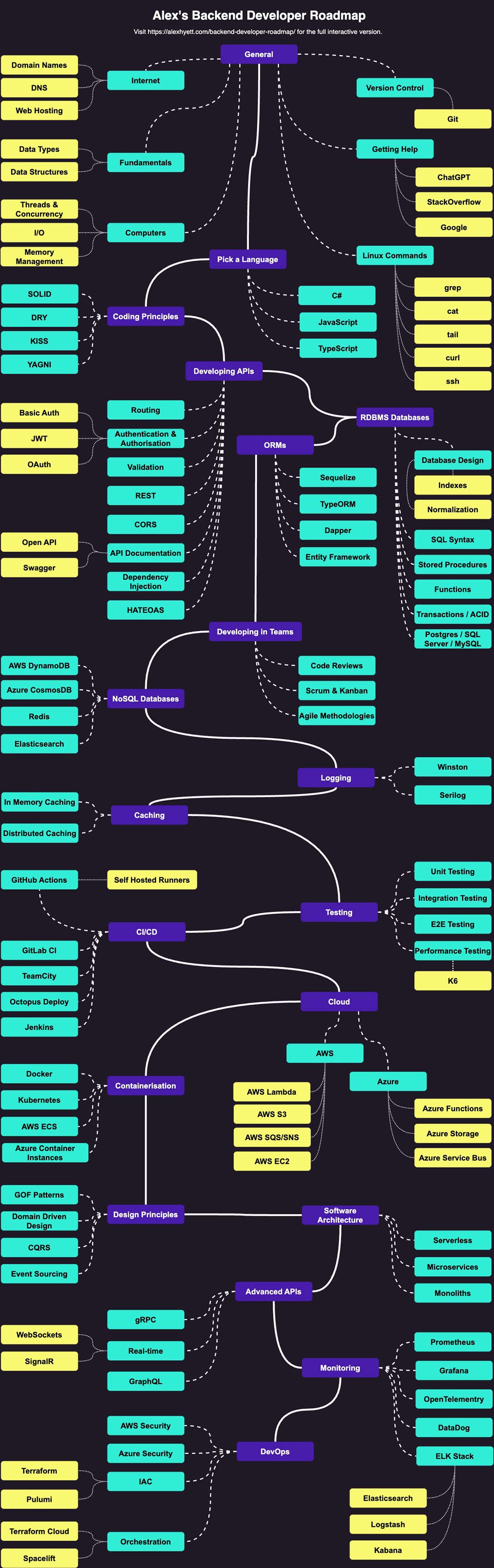
Install a code editor like VS Code and a terminal. Spend one afternoon configuring your workspace. A clean environment reduces friction when you’re ready to write your first script.
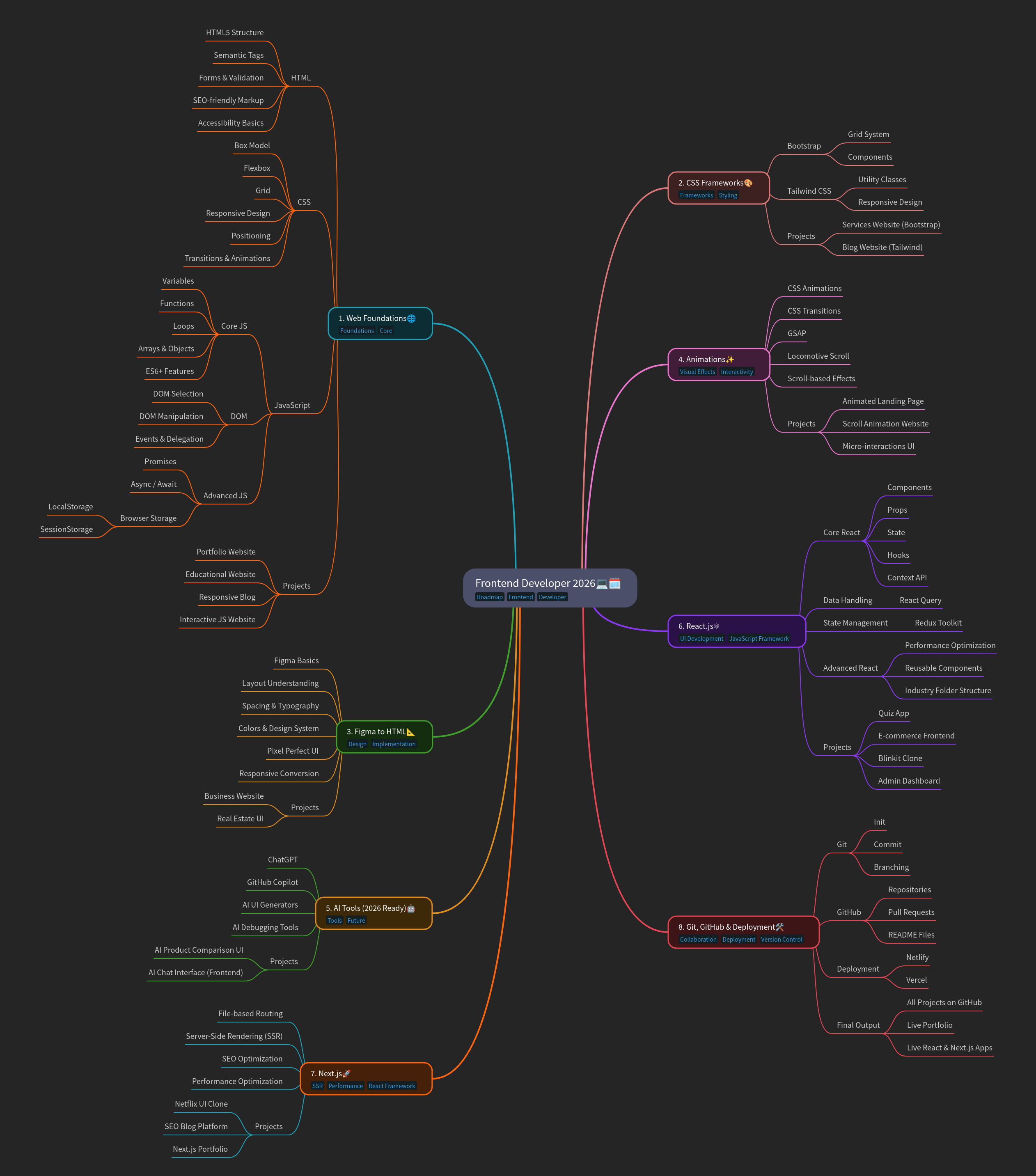
Consistency beats intensity. Thirty minutes of focused practice every day is better than a five-hour binge on weekends. Treat it like a daily workout for your brain.
Don’t just watch videos. Build a calculator, a personal portfolio page, or a simple to-do list. Applying concepts to a tangible project solidifies your understanding faster than any quiz.
No comments yet. Be the first to share your thoughts!