
Why bootcamps are losing their appeal
The coding bootcamp model, once heralded as the fast track to a tech career, is facing increasing scrutiny. Concerns around inflated job placement rates, substantial tuition costs – often exceeding $20,000 – and the sheer time commitment required are driving many aspiring developers to seek alternatives. Many programs also fail to adequately prepare students for the nuances of real-world software development, focusing instead on narrowly defined skillsets.
This dissatisfaction has created an opening for AI-assisted programming courses. These courses position themselves as a more flexible, affordable, and personalized path to learning to code. The rise of remote learning, accelerated by recent global events, has further fueled this shift, making education more accessible to a wider audience. The promise of tailored learning experiences, adapted to individual needs and pace, is particularly appealing.
I've spent time tracking discussions on DEV Community and Medium where developers are increasingly vocal about ditching the bootcamp model. While hard enrollment data is tight, the shift in sentiment is obvious. I've looked into several platforms that actually use AI to teach, rather than just using it as a buzzword.
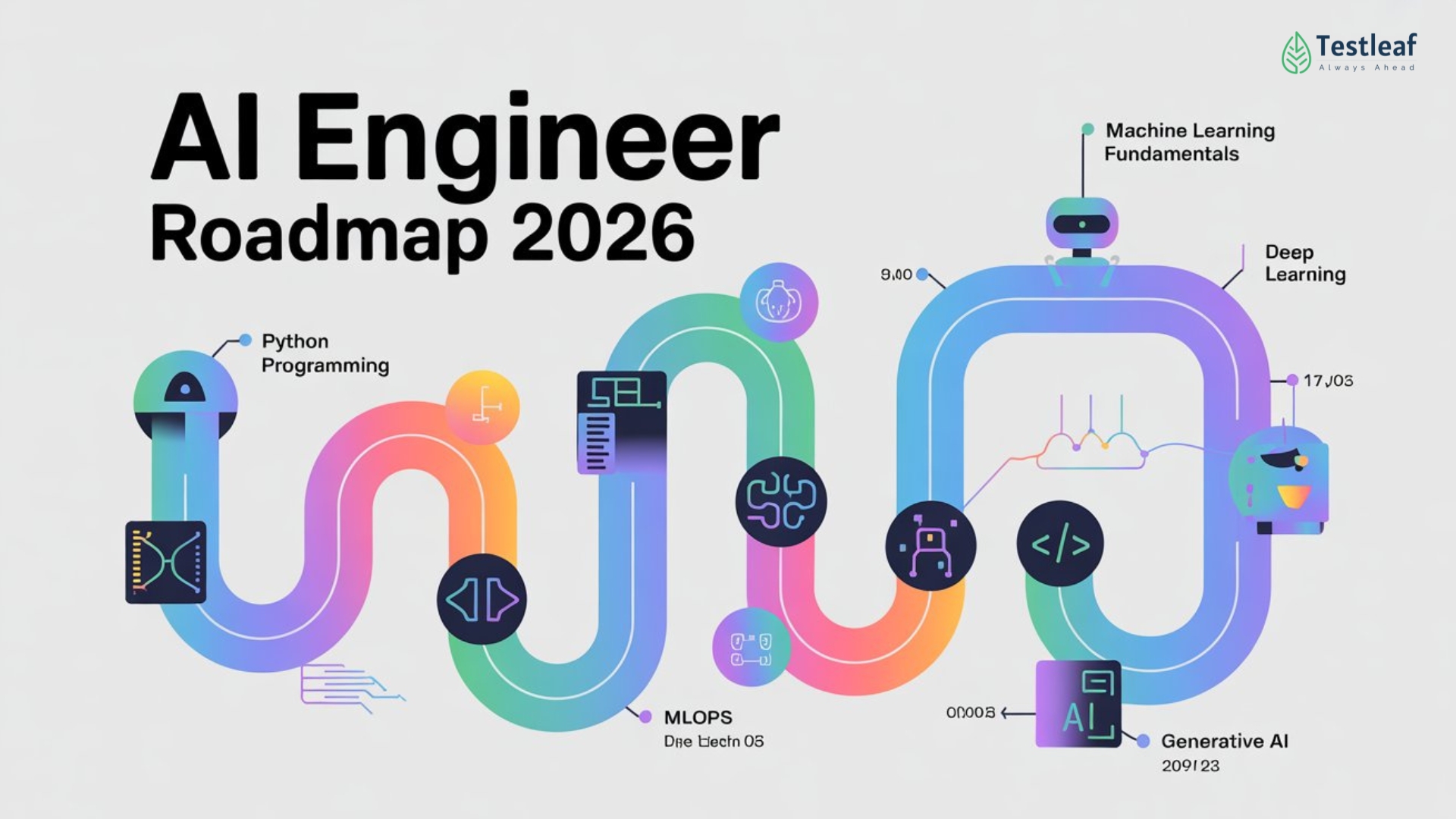
How AI actually helps you learn
AI-assisted education is a broad term, and plenty of it is just marketing. Real integration usually starts with adaptive tests that get harder as you improve or custom paths based on what job you actually want.
More sophisticated applications include automated code review tools that identify potential bugs and style issues, similar to what a senior developer might do. AI-driven debugging assistance can help students understand error messages and pinpoint the source of problems. Intelligent tutoring systems, while still under development, aim to provide real-time feedback and guidance, mimicking the experience of having a personal mentor.
However, current AI tools aren’t without limitations. Large language models, while adept at generating code snippets, can sometimes produce incorrect or inefficient solutions. They also struggle with understanding the broader context of a project. The most effective AI-assisted courses don’t replace human instruction, but rather augment it, providing students with additional support and resources.
The best AI-assisted courses right now
The landscape of AI-assisted programming courses is evolving rapidly. Several platforms are emerging as leaders, offering innovative features and comprehensive curricula. I've focused on courses that demonstrably use AI to enhance the learning process, rather than simply offering AI-generated content.
NovaCode: Targeted towards beginners, NovaCode uses an AI-powered 'Code Companion' that provides real-time feedback on code, suggests improvements, and explains concepts in plain language. It covers Python, JavaScript, and HTML/CSS, with a project-based curriculum. Pricing starts at $49/month. A key advantage is its focus on building practical skills through hands-on projects, but some users report the AI can occasionally be overly prescriptive.
IntelliLearn: This platform caters to intermediate and advanced learners, specializing in data science and machine learning. IntelliLearn utilizes AI to personalize learning paths, recommending courses and projects based on a student’s skill level and interests. It supports Python, R, and SQL. A subscription costs $99/month. The platform's strength lies in its depth of content and focus on cutting-edge technologies, but it may be overwhelming for beginners.
AdaptiveCode: AdaptiveCode stands out with its AI-driven code challenges. The difficulty of these challenges adjusts dynamically based on the student’s performance, ensuring they are always appropriately challenged. It covers a range of languages including Java, C++, and Python. Pricing is $79/month. Users appreciate the adaptive nature of the challenges, but some find the platform’s interface less intuitive than others.
AI Dev School: Focused on full-stack web development, AI Dev School leverages AI for automated code reviews and personalized project feedback. Students work on real-world projects, receiving guidance from both AI and human instructors. The program costs $12,000, a significant investment, but offers a more structured and immersive learning experience. It’s a good option for those seeking a bootcamp-like experience with AI assistance.
LearnAI: As the name suggests, LearnAI is heavily focused on artificial intelligence and machine learning. It offers courses on TensorFlow, PyTorch, and other popular AI frameworks. The platform uses AI to provide personalized learning recommendations and track student progress. Pricing varies depending on the course, ranging from $49 to $299 per course. It’s a strong choice for those specifically interested in AI development.
CodeMentor AI: CodeMentor AI pairs students with AI-powered mentors that guide them through coding projects. The AI mentors can answer questions, provide feedback, and suggest resources. It supports a wide range of languages and technologies. Subscriptions start at $69/month. While the AI mentorship is a unique feature, its effectiveness depends on the quality of the underlying AI model.
Essential Hardware for Enhanced AI-Assisted Programming Learning

8000 DPI optical sensor with customizable sensitivity · Electromagnetic scroll wheel with two modes: hyper-fast and ratcheted · Ergonomic design for enhanced comfort during extended use
This mouse offers precise control and ergonomic support, crucial for long coding sessions.

Active noise cancellation technology · Immersive Spatial Audio for a more engaging listening experience · Up to 24 hours of wireless playback on a single charge
These headphones provide an isolated and immersive audio environment, minimizing distractions.

Electric lift mechanism with 11 adjustable height settings · Two-tier design with a spacious work surface and separate keyboard tray · Spring-assisted lift for smooth transitions between sitting and standing
This standing desk converter promotes ergonomic flexibility, reducing physical strain during prolonged study.

27-inch IPS Black panel with 4K UHD resolution (3840 x 2160) · Wide color gamut coverage (100% sRGB, 100% Rec.709, 98% DCI-P3) · Connectivity options including HDMI, DisplayPort, and USB-C with 90W Power Delivery
The high-resolution display offers ample screen real estate and sharp visuals for complex code.

Hot-swappable mechanical switches (Gateron G Pro Brown) · QMK/VIA custom programmable firmware for key mapping and macros · Wireless connectivity via Bluetooth 5.1 and wired USB-C
This customizable mechanical keyboard enhances typing accuracy and efficiency with programmable layouts.
As an Amazon Associate I earn from qualifying purchases. Prices may vary.
Codecademy Pro Plus & AI Integration
Codecademy Pro Plus, a subscription-based service, has increasingly integrated AI features into its platform. While not solely an 'AI-assisted' course, the addition of features like Codecademy’s AI assistant offers personalized guidance and code explanations. This assistant can help students understand complex concepts, debug code, and generate code snippets.
User reviews of the AI assistant are mixed. Some users praise its ability to provide quick and helpful answers to coding questions, while others report that it sometimes provides inaccurate or incomplete information. Codecademy offers a wide range of courses, covering web development, data science, and more. A Pro Plus subscription costs $29.99/month, making it a relatively affordable option.
The strength of Codecademy Pro Plus lies in its comprehensive curriculum and interactive learning environment. The AI features enhance this experience, but they shouldn’t be seen as a replacement for fundamental coding knowledge. It’s a good option for beginners and intermediate learners looking for a structured and affordable way to learn to code.
Alternatives to Consider: Structured Learning Paths
Beyond dedicated AI-assisted courses, several platforms offer structured learning paths that can serve as effective coding bootcamp alternatives. Educative.io, for example, provides text-based courses with interactive coding environments. It emphasizes learning by doing, with a focus on practical skills. Courses range in price from $19.99 to $99.99 per month.
Scrimba offers a unique learning experience through interactive screencasts. Students can pause the screencast at any time and edit the code directly in the browser. This allows for a more hands-on and engaging learning experience. Scrimba’s courses are generally more affordable than Educative.io, with prices starting at $9.99 per month.
freeCodeCamp remains a popular choice for beginners. It offers a completely free, self-paced curriculum covering web development and data science. While freeCodeCamp doesn’t have the same level of AI integration as some other platforms, its structured learning paths and project-based approach make it a valuable resource. It’s a solid starting point for those unsure about committing to a paid course.
- Educative.io uses text-based courses with built-in coding environments for $19.99 to $99.99 a month.
- Scrimba: Interactive screencasts, code editing in the browser, $9.99+/month
- freeCodeCamp: Free, self-paced curriculum, project-based learning
AI-Assisted Programming Course Comparison - 2026
| Cost | Time Commitment | Project Focus | AI Assistance | Community Support | Skill Level |
|---|---|---|---|---|---|
| Subscription-based, varying tiers available | Flexible, self-paced learning | Strong emphasis on practical application through coding challenges | Integrated AI-powered code explanations and suggestions | Active Discord server and forum | Beginner to Intermediate |
| Freemium model with optional Plus subscription | Moderate, structured curriculum with interactive coding | Balanced between guided learning and small projects | AI-powered hints and code completion features | Large and active forum, extensive documentation | Beginner to Intermediate |
| Completely free, donation-supported | Highly flexible, self-directed learning path | Extensive project-based curriculum, culminating in certifications | Limited direct AI assistance, relies on community solutions | Very large and supportive community forum | Beginner to Intermediate |
| Subscription-based, access to multiple courses | Variable, depending on chosen learning path | Focus on building portfolio-worthy projects | AI-powered code review and debugging assistance | Active community forum and project feedback | Intermediate to Advanced |
| Varies, often based on individual course purchases | Self-paced, modular learning experience | Strong focus on specific technologies and frameworks | AI-driven code generation and explanation tools | Course-specific forums and Q&A sections | Intermediate |
Qualitative comparison based on the article research brief. Confirm current product details in the official docs before making implementation choices.
Self-Directed Learning with AI Tools
For those with a strong sense of self-discipline, building a learning path using AI-powered coding assistants is a viable option. Tools like GitHub Copilot and Tabnine can significantly accelerate the learning process by providing code completion suggestions and generating boilerplate code. These tools are integrated directly into popular code editors like Visual Studio Code and IntelliJ IDEA.
However, self-directed learning requires careful planning and a commitment to consistent practice. It’s essential to find projects that align with your interests and skill level. Platforms like GitHub and Kaggle provide access to a wealth of open-source projects and datasets. Building a portfolio of projects is crucial for demonstrating your skills to potential employers.
The cost of these AI assistants varies. GitHub Copilot, for example, is available for $10/month or $100/year. While these tools can be incredibly helpful, they shouldn't be relied on exclusively. It’s important to understand the underlying concepts and principles, not just copy and paste code generated by AI.
No comments yet. Be the first to share your thoughts!