
Are AI tutors actually better?
Most online coding courses are lonely. You stare at a video, try to copy the syntax, and hit a wall the moment a semicolon is out of place. While the demand for developers hasn't slowed down, the way we learn has been stuck in a loop of generic tutorials and unhelpful forum posts.
That’s where AI-powered programming courses come in. These platforms aren't designed to replace human instructors entirely, but to augment the learning process. They use machine learning to provide personalized guidance, automate repetitive tasks, and offer immediate support when you're struggling. Think of it as having a patient, always-available coding assistant.
This technology is still relatively new, but the early results are promising. We’re seeing platforms that can analyze your code, identify potential errors, suggest improvements, and even generate code snippets to help you get unstuck. The goal is to create a more adaptive and efficient learning experience, tailored to your individual needs and pace.
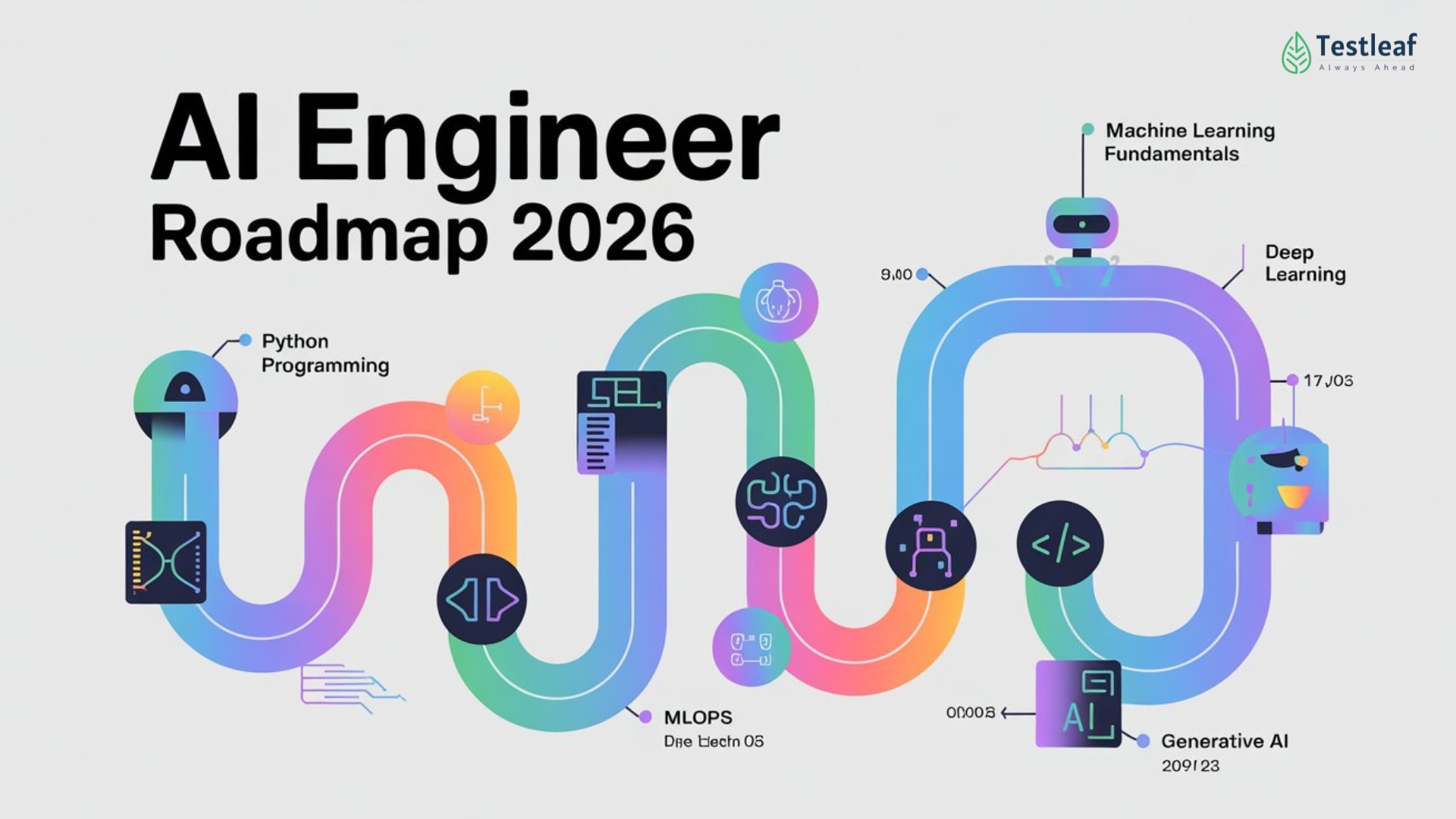
7 platforms using AI in 2026
The landscape of AI-assisted coding education is evolving rapidly. Here’s a look at seven of the best platforms as of 2026, each offering unique AI-powered features to help you learn to code.
1. Codecademy: Codecademy has significantly enhanced its platform with 'CodeAssist,' an AI that provides real-time code suggestions, error explanations, and personalized learning paths. It supports Python, JavaScript, Java, and SQL, and is geared towards beginners and intermediate learners. They’ve really leaned into making AI a core part of the learning experience.
2. Coursera: Coursera’s AI integration revolves around personalized feedback on assignments and AI-powered practice exercises. Many courses now include AI-driven coding assistants that help debug code and suggest improvements. Coursera supports a vast range of languages through its university partners, catering to all skill levels. They also offer specializations focused on AI development itself.
3. SitePoint: SitePoint has introduced 'AI Code Mentor,' which focuses on providing in-depth explanations of coding concepts and helping students understand why their code isn't working. Languages supported include PHP, JavaScript, and Python, and it’s best suited for intermediate developers.
4. Treehouse: Treehouse now features 'Adaptive Learning Paths' powered by AI, adjusting the curriculum based on your progress and areas where you need more support. They focus on web development technologies like HTML, CSS, and JavaScript, making it ideal for aspiring front-end developers. The AI helps identify gaps in your knowledge and provides targeted exercises.
5. Replit: Replit has become a popular choice with its AI pair programming feature. It allows you to collaborate with an AI assistant in real-time, generating code, debugging, and learning new concepts. Replit supports over 50 languages and is suitable for all skill levels. It’s a very versatile platform.
6. DataCamp: DataCamp specializes in data science education and has integrated AI to provide personalized feedback on coding challenges and help students optimize their code for performance. They focus heavily on Python and R, making it a great option for aspiring data scientists.
7. Udacity: Udacity’s Nanodegree programs now incorporate AI-powered code reviews and personalized project feedback. They offer more in-depth, project-based learning experiences in areas like machine learning and data science, geared towards intermediate to advanced learners.
Gear Up for Smarter Coding: Essential Tools for AI-Powered Learning

Split and curved ergonomic design · Integrated cushioned wrist rest · Bluetooth and USB connectivity
Enhance your typing comfort and reduce fatigue during long coding sessions with this ergonomic keyboard.

World-class noise cancellation · Comfortable over-ear design · Bluetooth wireless connectivity
Minimize distractions and maximize focus with superior noise cancellation, creating an ideal learning environment.

Advanced blue light blocking · UV protection · Reduces screen fatigue
Safeguard your eyes from digital strain and enjoy longer, more comfortable coding sessions.

Height adjustable sit-to-stand design · Spacious dual monitor and laptop workstation · Wide keyboard tray
Promote a healthier workflow and boost productivity by easily transitioning between sitting and standing.

Project-based learning · Hands-on approach · Covers fundamental Python concepts
Build a strong foundation in Python with a practical, project-driven approach that makes learning engaging.
As an Amazon Associate I earn from qualifying purchases. Prices may vary.
What these tools actually do
The term 'AI-powered' gets thrown around a lot, so it’s important to understand what these features actually do. Code completion is a common feature, where the AI suggests code snippets as you type, saving you time and reducing errors. However, the quality of these suggestions varies greatly between platforms.
Error explanation is another key benefit. AI can often pinpoint the source of an error in your code and provide a clear explanation of what went wrong. This is incredibly helpful for beginners who are still learning the fundamentals. Automated code review is becoming increasingly sophisticated, with AI identifying potential bugs, security vulnerabilities, and style issues.
I'm skeptical about 'personalized paths.' Usually, this just means the app skips a chapter if you pass a quiz. It isn't a replacement for a human mentor who understands why you're struggling. AI-generated snippets also fail constantly—you'll spend as much time fixing the AI's hallucinations as you would have spent writing the code yourself.
Debugging assistance is a game-changer for many learners. AI can help you step through your code, identify the source of errors, and suggest solutions. This can save you hours of frustration and help you develop a deeper understanding of the code.
AI Feature Comparison: Leading Programming Learning Platforms (2026)
| Platform Name | Code Completion Capabilities | Error Explanation Support | Personalized Learning Approach | Debugging Assistance Provided |
|---|---|---|---|---|
| Codecademy | Offers suggestions as you type, improving with use. | Provides context-aware explanations for common errors. | Adapts to your pace, focusing on areas needing improvement. | Highlights potential issues, but relies on user understanding to resolve. |
| DataCamp | Strong for data science-related languages; suggests code snippets. | Focuses on explaining errors within the context of data analysis. | Tailors learning paths based on career goals and skill level. | Offers guided debugging exercises, particularly for data manipulation. |
| Khan Academy | Basic code completion, primarily for introductory languages. | Provides clear, step-by-step explanations of error messages. | Offers a personalized dashboard to track progress and identify gaps. | Limited direct debugging assistance; emphasizes understanding the root cause. |
| Udacity | AI-powered suggestions for more complex projects. | Explains errors with links to relevant documentation and examples. | Offers mentorship and project reviews for individualized feedback. | Provides tools to step through code and identify potential problems. |
| Coursera | Code completion varies by course; some offer advanced features. | Error explanations are often integrated into video lectures and quizzes. | Personalized recommendations for related courses and specializations. | Debugging support is typically provided through course forums and Q&A sessions. |
Qualitative comparison based on the article research brief. Confirm current product details in the official docs before making implementation choices.
Languages and skill levels
Choosing a platform that supports the languages you want to learn and matches your skill level is crucial. Codecademy and Coursera offer the broadest language support, including Python, JavaScript, Java, SQL, C++, and more. This makes them good choices for beginners who are still exploring different options.
Treehouse and SitePoint specialize in web development technologies like HTML, CSS, and JavaScript, so they’re ideal for aspiring front-end developers. DataCamp focuses heavily on Python and R, making it a great option for data science enthusiasts. Replit supports over 50 languages, providing maximum flexibility.
Udacity’s Nanodegree programs are typically geared towards intermediate to advanced learners and often focus on specialized areas like machine learning and data science. When looking at skill levels, consider where you are now. Beginners should start with platforms offering introductory courses and a gentle learning curve.
What you'll pay
Pricing varies significantly between platforms. Codecademy offers a Pro subscription starting around $20 per month, unlocking access to all courses and AI-powered features. Coursera uses a subscription model for its specializations, typically ranging from $49 to $79 per month. Individual courses can also be purchased separately.
SitePoint offers a range of courses and subscriptions, with prices varying depending on the content. Treehouse has a monthly subscription of around $25, providing access to all of its courses. Replit offers both free and paid plans, with the paid plans offering more features and resources.
DataCamp subscriptions start around $25 per month, while Udacity’s Nanodegree programs are considerably more expensive, often costing several hundred dollars per month. Many platforms offer free trials, allowing you to test out the features before committing to a subscription. It's worth checking for discounts or promotions, especially for annual subscriptions.
Where this is going
AI is poised to revolutionize coding education in the coming years. We can expect AI tutors to become even more sophisticated, capable of handling more complex coding tasks and providing even more personalized guidance. The development of more accurate and reliable code generation tools could automate many of the repetitive aspects of coding.
New learning models may emerge, such as AI-driven project-based learning, where the AI helps you design, implement, and test real-world applications. We might also see the rise of AI-powered coding companions that adapt to your individual learning style and provide ongoing support throughout your coding journey.
However, it’s important to remember that AI is a tool, and it’s not a replacement for human ingenuity and creativity. The role of human instructors will likely evolve, focusing on mentorship, problem-solving, and fostering a deeper understanding of coding principles. The most effective learning experiences will likely blend the best of both worlds: the power of AI and the wisdom of human educators.
How confident are you in the ability of AI tutors to help you learn to code?
AI-powered programming courses are evolving fast! We'd love to know how you feel about learning to code with machine learning tutors. Vote below and share your thoughts in the comments! 👇
No comments yet. Be the first to share your thoughts!